
Stop typing. Start showing.
Speed up every conversation with AI.
Screenshot · Annotate · Send to your AI
How it works
From screen to agent in seconds.
Capture
Screenshot, region, or screen recording. Any surface, any app.
Annotate
Mark what matters. Draw, highlight, add context directly on the image.
Send
Delivered into your AI workflow, ready to use.
One workflow across your devices.
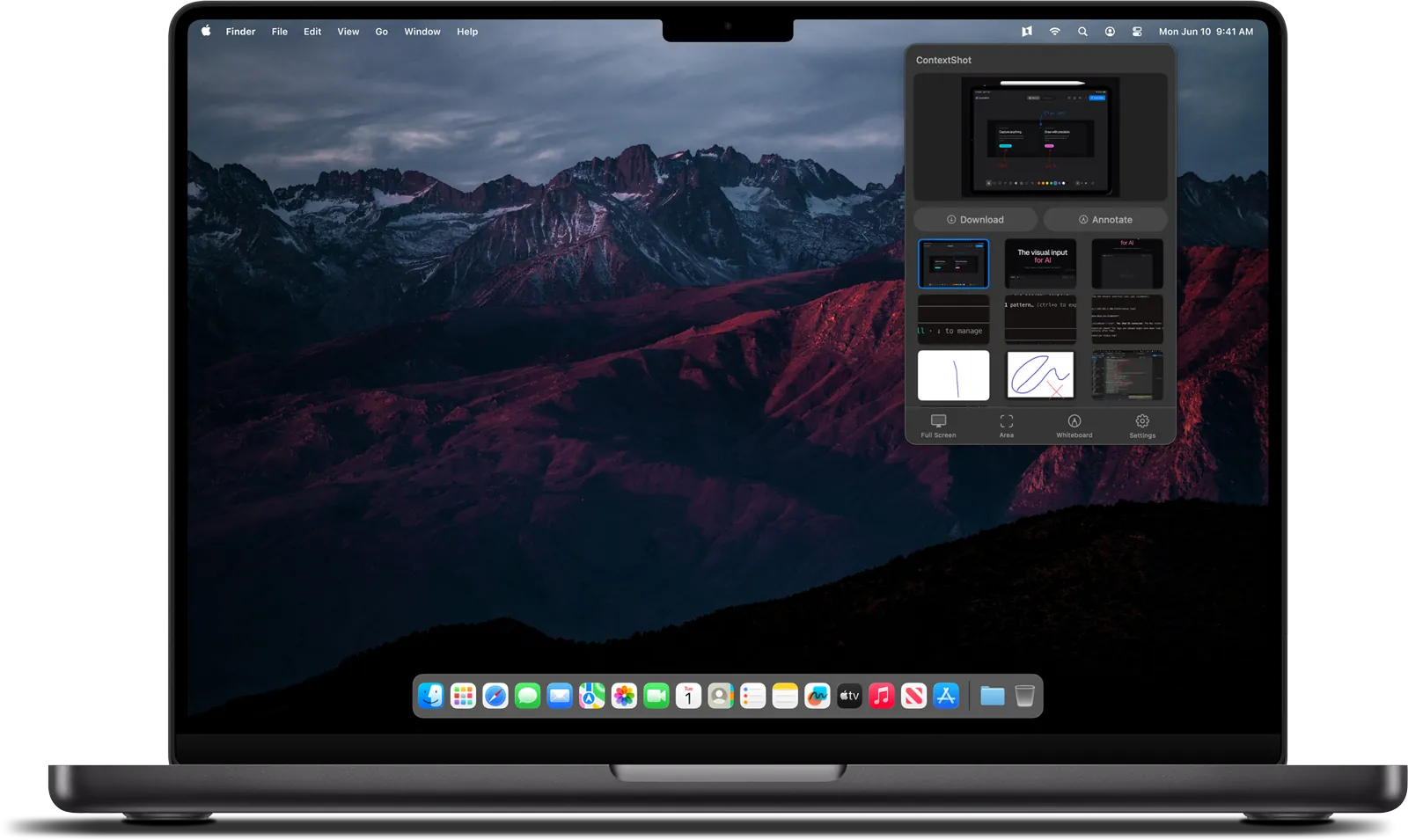
macOS
Lives in your menu bar. Capture and send in two keystrokes.
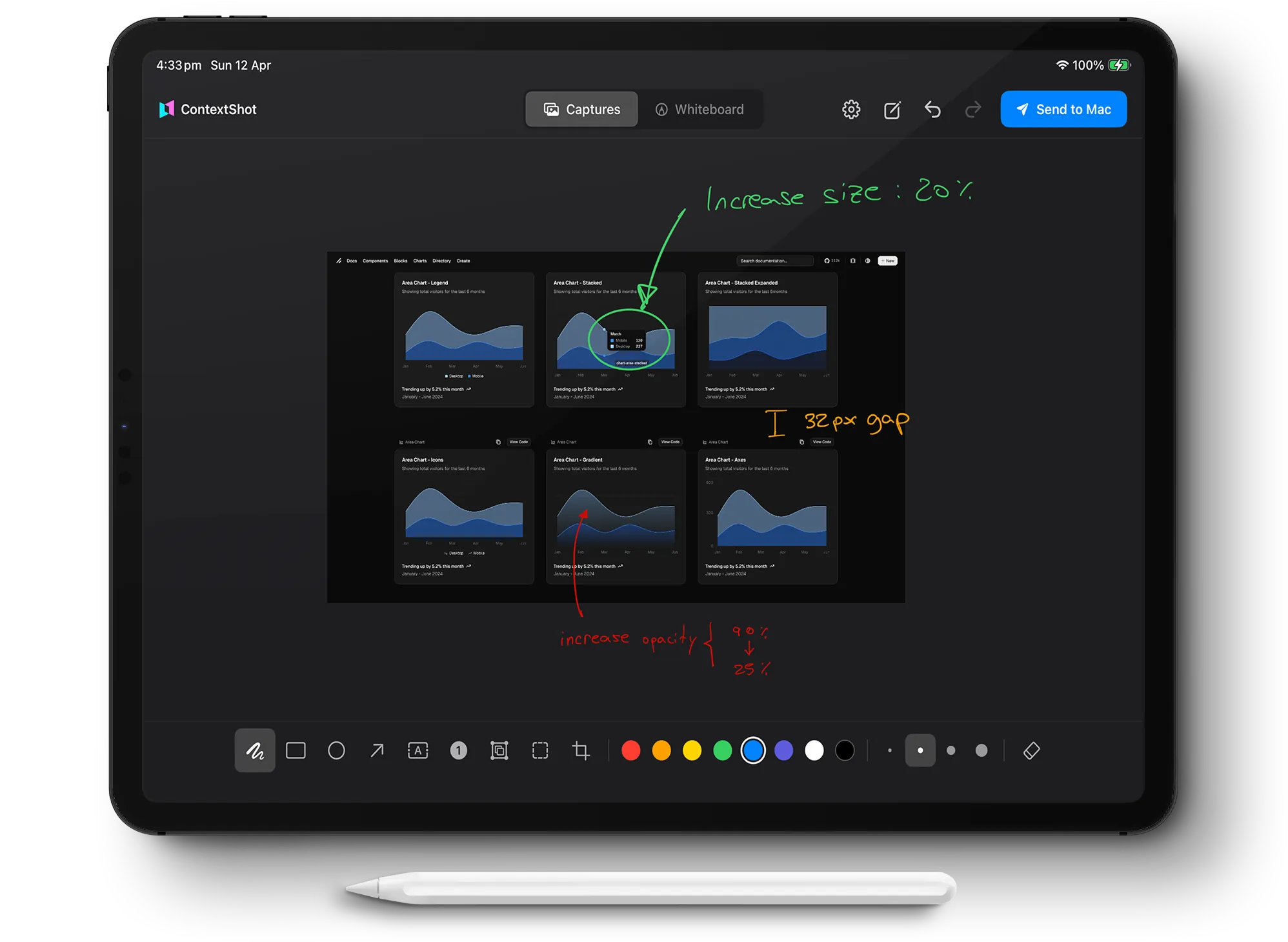
iPad
Annotate with Apple Pencil. Sketch, wireframe, mark up. Sent directly to your AI environment.
Point to what you mean.
Draw, highlight, add a note. The agent gets what you see, not what you try to describe.
Every surface. Any app.
Not just browsers. Not just your IDE. Contextshot captures whatever is on your screen and sends it as context.
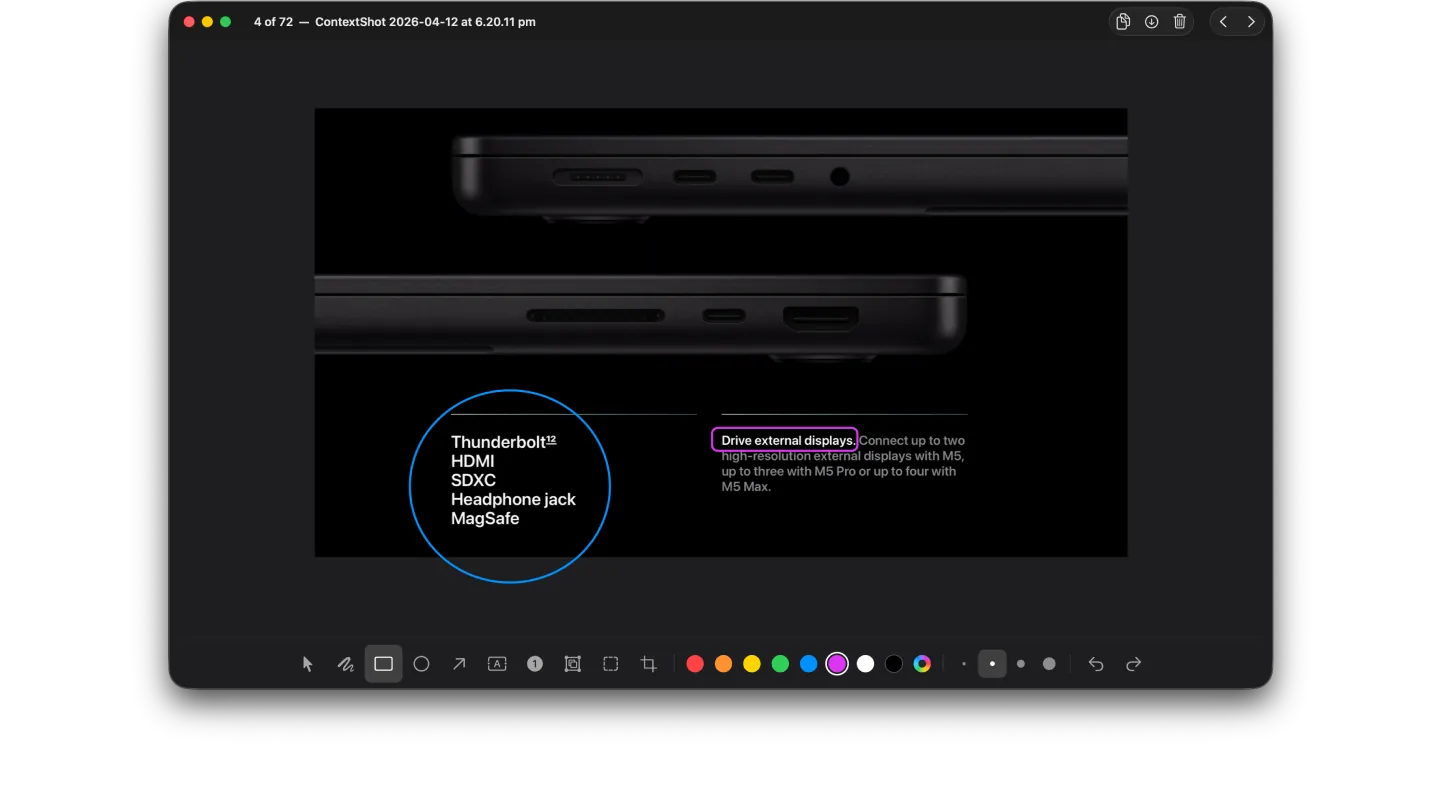
Annotations that carry intent.
A highlight tells the agent where to look. An arrow tells it what direction matters. A note tells it why.
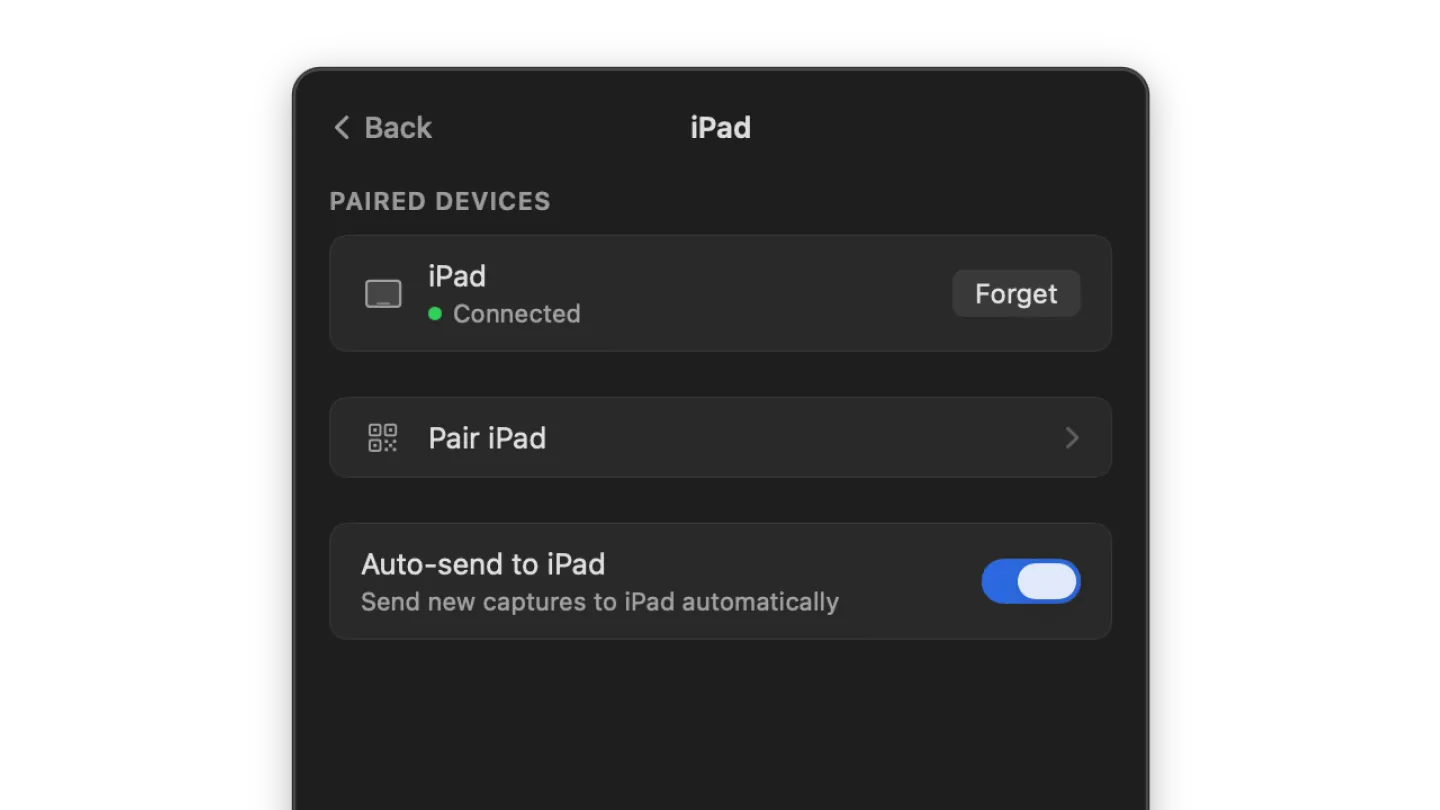
Local only. Nothing leaves without you.
Contextshot runs on your machine. Screenshots are not stored in the cloud, not processed on external servers, not logged. What you capture stays yours until you choose to send it. And you choose exactly where it goes.
In a world where AI tools increasingly assume access to everything, Contextshot assumes nothing.